Back
How to Choose the Best Desk Booking System for Hybrid Work
Hybrid workplace

How to Choose the Best Desk Booking System for Hybrid Work

Desks and meeting rooms are where all the magic happens in a workplace, which is why it’s important to provide the best solutions possible for your team to access them, especially as the world adopts the hybrid workplace model.

February 10, 2022
The need for businesses to invest in desk booking software has grown as teams move between working at the office and at home. Workplace management technology helps your workforce easily coordinate the days and times they come into the office.

Insight-led software like Nura Space coordinates those workspace bookings. This gives you total visibility of your team’s movements and how resources are being used at work.

If you’re not familiar with desk booking software, it’s hard to know what the best solution looks like. Whatever software you choose needs the scope to move with your business. Your team may end up using the program every day, so it’s important to know the essential features of a booking system.

Looking for a desk booking system now? See how the Nura Space desk booking system handles live floor plans, check-in and auto-release, Work Plans and occupancy reporting for hybrid teams.

What is a desk booking system, and how does it work?

A desk booking system lets employees reserve a workstation at the office via a digital platform. They can use their office software to find and reserve workstations on demand, with choices filtered by availability, location, and features. They can also see floor maps and other related information for a particular space.

What is the purpose, and what are the benefits, of a desk booking system?

The main purpose of a desk booking system is simply for users to easily locate and use available workspaces. There are many benefits to using a desk booking system, but here are our top four.

1. Manage a hybrid workplace well

Many workplaces pivoted to a hybrid work model very quickly during the pandemic. This means best-practice processes may have been missed, or better opportunities to support workers overlooked.

Now that hybrid work is a permanent model for most organisations, there’s a great opportunity to ensure your team has the best technology available to manage their day-to-day. Desk booking systems are just one way to streamline a hybrid workplace experience.

2. Better understand your staff

The more you understand how your staff are using the workplace, the better equipped you are to create a space that works for them. Nura Space’s desk booking technology collects and assesses data, so you can receive smart analytics to help find solutions.

For example, if large meeting rooms are often being booked by solo workers or small groups, it may indicate a need for smaller meeting rooms or private workspaces.

Or if many people are filtering their desk search by ‘standing desk’ but there are only a few available, it’s a fairly good indication standing desks should be on the office shopping list.

3. Gain insight into your workspaces and their value

When thinking about office waste, people usually only consider waste such as paper and plastic. This is the tangible waste that naturally comes from having teams in the office, and the kind of waste people know to recycle.

However, arguably the biggest source of workplace waste is empty and underused workspace, or intangible waste. If only 50% of your staff are in the office on any given day, then 50% of the office space is going to waste. So is the energy used to power, heat, cool, and light those spaces.

Hybrid working can help you reduce office space, minimise rent costs, and lower utility costs for the business. But to make the changes that lead to these financial benefits, you need full oversight of which spaces are or are not being used in the office.

Systems such as Nura Space’s desk booking technology provide this accurate overview. With it, you could halve the size of your office whilst still providing an excellent working environment. It may even be a better one, as empty offices can feel lonely, which affects team morale.

4. Streamline time efficiency

One of the biggest worries people have about hot desking is not knowing how to find coworkers. This is where desk booking systems come in to save the day.

Some platforms, like Nura Space, let people search for co-workers to see where they are sitting, so they can book spaces close by for easy collaboration. Live maps, where you can see who is where in the office, save people time in locating whoever they need to speak with.

What are some key features that you should look out for?

A live floor plan

This is a big one. Administrators should be able to see a full layout of your workplace in real time. Reservations should be reflected immediately, so users can quickly pinpoint unoccupied spaces.

A live floor plan allows users to find and reserve available workspaces and navigate to their booked desk. It also ensures staff are given up-to-date and useful information. A good live floor plan will also outline emergency exits to add a layer of additional safety, as Nura Space mapping does.

Fast deployment

You don’t want to spend weeks trying to set up desk booking. Floor plans can be prepared for use in Nura Space in no time, and resources can be set up individually or via bulk upload, whatever works for you. The faster the software can be implemented, the faster your workforce can thrive.

Intuitive

A good desk booking system will be simple and intuitive, so any user can easily understand and use it. Any additional user experience features that help make the software easily understandable are a bonus.

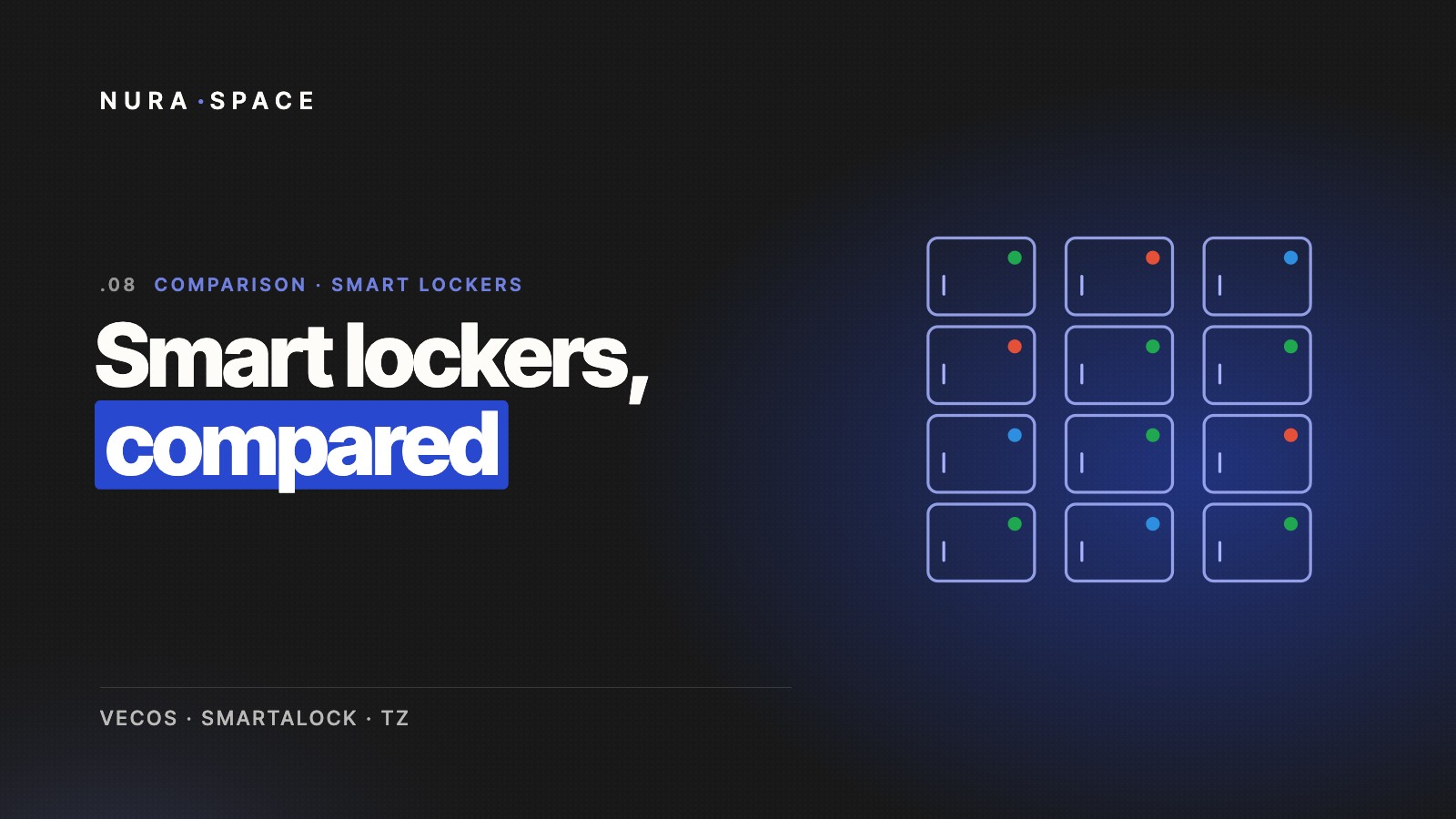
For example, the Nura Space desk nodes are colour-coded:

  • red for booked
  • green for available
  • blue for checked-in and in use
  • grey for unavailable.

One quick look is all it takes to get a read on the current office desk usage and layout.

Total flexibility

Your workplace isn’t stagnant. It will change over time, so having central, ongoing control over the software is important. Being able to do things like map desks directly onto your floor plan via the Nura Space admin portal helps ensure you have full control and flexibility over your workspace.

Search filters

Dual screens, height adjustable, standing, window seats, quiet areas: different people require different desk setups to thrive. A tagging system when inputting desks lets users search for what they need and find it right away. This saves wasting time wandering around trying to spot that free standing desk they’re after.

Live data

Your desk booking platform shouldn’t be just a pretty face. Access to real-time data and analytics will help you understand how your workspaces are being used, which is an invaluable resource in understanding your team.

Workplace analytics are becoming increasingly important for businesses looking to develop a truly engaged workforce. These insights help create a workplace designed specifically for your team to succeed and thrive.

For example, maybe there’s a particular meeting room that’s always in use, and another that no one seems to touch. Or everyone always sits with their department as a full team, suggesting that your team does not want isolated workstations.

Seeing and understanding trends will help you make informed decisions about the most valuable ways to use your workspaces. It will also help you accurately forecast future usage. Nura Space collects workplace analytics and organises them in ways that help you turn data into actionable insights.

Integration

You may already be using existing workplace technology, such as desk sensors. Software that works with it, instead of replacing or removing it, will make the move to a full-service workplace management system so much easier.

Nura Space software can integrate with existing hardware and manage all the data collected through it. This helps derive actionable insights, presented on a centralised dashboard.

What are some considerations that you need to keep in mind?

Is it easy to onboard new staff, contractors, and freelancers?

Your current staff may not be the only people to use the desk booking system. As your team grows and changes, new staff members will have to be onboarded to the software and to the expectations of office desk booking.

Similarly, if you have contract staff or freelance workers, onboarding needs to be quick and easy. That way you don’t waste valuable time trying to explain a needlessly complex system to short-term staff.

What additional value could it add?

Some programs will be just desk booking software, but it’s likely your workplace has other goals and problems that workplace management technology could help with.

Rather than simply looking for a desk booking system, consider a unified workplace platform that includes desk booking in its range of features. This could help you fully optimise your space and keep moving your business forward. In the long run, it will also likely be a better financial decision, with everything centralised onto one platform with one cost.

What features will be important to my staff?

Speak to your team about what workplace technology would benefit them, and what is important to them. You may find that their expectations and needs differ from yours, and that it redirects your search.

Who will lead the research and implementation?

It might be you, your office manager, or a particularly enthusiastic member of the accounting team. Either way, having one person, or a dedicated team, leading the research, selection, and roll-out of any new technology is key to its success.

As with any change management effort, the entire workforce will need to embrace the new technology. They’ll be using it almost every day, so uptake strategies around new software will go a long way. They help employees feel like they understand and have control of the new tech.

This positive adoption supports engagement and productivity in the workplace. It also ensures your new software adds as much value to your organisation as possible.

The difference between hot desking and a desk booking system

When it comes to hot desking, the phrase “it’s a jungle out there” rings true. Hot desking is a space-sharing practice that lets employees choose from any available desk or office space when they arrive at work, on a first in, best dressed basis.

This lack of certainty about where they’ll be working that day is one reason employees tend to dislike open office layouts. Not knowing who you’ll be working next to all day, or whether you’ll even be able to find a desk, adds a layer of stress to people’s days.

Hot desking can result in conflict. Imagine a staff member trying to focus on complex, time-sensitive work. They become frustrated at ending up next to someone whose role requires spending the day on calls.

Hot desking can also make it difficult to locate people in a timely manner. This can lead to staff wasting time trying to track down their team or manager.

To help ease these issues, a business could designate certain areas as quiet spots. This ensures staff who need peace and quiet have a space guaranteed to provide it.

Another solution could be to create zones for certain departments. For example, the sales team zone would be on Level 2, with the freedom to choose any desk in that area. This way you can group departments that work closely together, and keep separate spaces for different needs.

The key to hot desking is to understand what your employees need and how they work. It also helps to keep an open line of communication for staff feedback about its effectiveness and pain points. These strategies can make hot desking feel less like a lawless jungle and more like a well-tended garden.

Desk booking, or desk hoteling, is a similar concept to hot desking. The difference is that smart technology is added to help ease stress and uncertainty around finding a desk or colleagues. It’s a space-sharing practice that allows employees to reserve their workstation, similar to how one might book a hotel room.

Desk booking systems like Nura Space help ensure team members know where they’ll be working and who they’ll be working near. They also save time by helping them locate team members quickly. It trusts staff to position themselves appropriately in the office, instead of management having to manually enforce zones.

Nura Space’s desk booking system includes a live map with an easy colour-code system. It indicates red (booked), green (available), blue (checked-in) or grey (unavailable). This makes it super simple to locate team members, choose the right desk for the day, and navigate to that desk.

Staff also have the option to enter ‘invisible’ mode for those days when they need to do heads-down, focused work.

The process of implementing a desk booking system

So you’re ready to begin the process of finding the right desk booking system! Here are the 10 steps to successfully finding and implementing the right one for you and your team.

  1. Speak with your staff to understand their needs. Make a list of features that will benefit your team.
  2. Reach out to desk booking and workplace management software companies for a demo.
  3. Communicate your business’s needs so they can best provide solutions and discuss features to empower your workforce.
  4. Choose a desk booking software team that will help support your roll-out and will be available to you.
  5. Onboard managers to the software first so they are equipped to support their teams.
  6. Clearly communicate the introduction of the new software and its benefits to staff.
  7. Listen to any questions or concerns around the technology with an open ear. Whilst you’ve had time to adjust to the idea, staff may take a little longer. Supporting them to understand why this is a good thing for them is important.
  8. Set up your admin dashboard, including the mapping. Add any emergency contact details, such as assigning First Aid Officers and Fire Wardens in the app.
  9. Officially launch the software in the office, with appropriate process and support for the business to succeed with the new tech.
  10. Sit back and enjoy a streamlined employee experience and the insights that come with it!

How it can help improve team collaboration and employee experience

Desk booking systems encourage connection and the ability to work together, whilst contributing to a positive employee experience. They make collaboration easier, helping people find their coworkers without aimless wandering, or book desks near each other for quick, easy collaboration.

The ability to book a workspace reduces the anxiety found with hot desking. At the same time, it still allows businesses to cut costs and add value in the workplace.

Software like Nura Space provides desk booking, along with additional features such as workplace data analysis to provide smart analytics to best lead your team. Speak with our workspace experts, or book a demo to see how Nura Space can help elevate your employee experience in the hybrid workplace.

ABOUT THE AUTHOR

Enjoyed this read?

Stay up to date with the latest workplace insights, hybrid work strategies and Nura Space news, sent straight to your inbox.